How MowReview makes money: As an Amazon Associate, MowReview earns from qualifying purchases, at no extra cost to you. We don’t test mowers ourselves; we explain what manufacturers and independent testers report. How we research
Quick answer
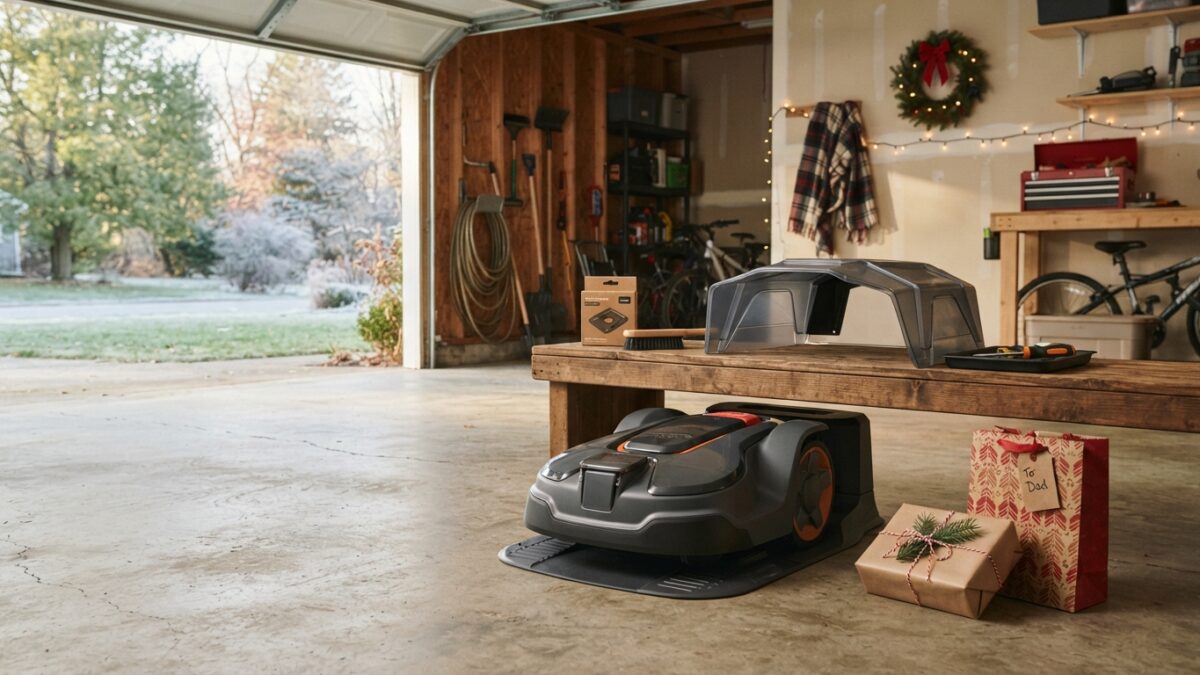
You probably can’t mow with a Christmas robot mower until spring, but you can find out whether it works before the return window closes. In the first week, check the contents, charge it, pair it with the app, update the firmware, and confirm it connects over Wi-Fi or cellular. Note the return deadline for wherever it was bought: last holiday season, Amazon’s ran to January 31, Walmart’s to January 31 and Best Buy’s to January 15, while buying direct from the manufacturer usually gives 30 days from delivery. Don’t use it on the lawn if you think you might return it, because most sellers want it unused. Then store it charged and indoors until the grass is growing.
A robot mower is a popular Christmas gift and an awkward one. It arrives in the one season when there’s nothing to mow, and by the time the grass grows in March or April, the return window has usually closed. Our Black Friday guide calls this the return-window trap.
The way around it is to check everything you can check indoors in the first few days, while you still have options. This guide walks through those checks, the return rules at the main stores and brands, warranty basics, and how to store the mower until spring. MowReview quotes no prices and hasn’t tested these mowers. How we research explains why.
Step 1: Find out your return deadline
Holiday return rules depend on where the mower was bought, and retailers announce new holiday dates each fall. These were last season’s rules, so check the current ones.
| Seller | Window | Notes |
|---|---|---|
| Amazon | 30 days standard; items bought Nov 1–Dec 31, 2025 returnable until Jan 31, 2026 | Gift recipients can start a return with the order number |
| Walmart | 90 days standard; most consumer electronics 30 days; most items bought Oct 1–Dec 31 returnable until Jan 31 | Marketplace sellers 30 days |
| Best Buy | 15 days standard (60 for Plus/Total members); holiday 2025 purchases returnable until Jan 15, 2026 | Some items carry a restocking fee |
| Lowe’s | 90 days for most items; 30 days for most outdoor power equipment | No holiday extension stated |
| Home Depot | 90 days standard; shorter windows on some equipment | Check the category before you rely on 90 days |
| Segway Navimow (direct) | 30 days from delivery | Unused, original packaging; 10% restocking fee on used or non-defective returns; buyer pays return shipping unless defective |
| Mammotion (direct) | 30 days from delivery | Must be like-new and unused, with all packaging; prepaid label supplied |
| Husqvarna (direct) | 30 days from delivery | 15% restocking fee on lawn mowers; Automower iQ Series has a 100-day money-back guarantee with fees waived |
| Ecovacs (direct) | 30 days from ship date | Needs an RMA number and original packaging; used items refused |
| Worx (direct) | 30-day money-back guarantee | Use Worx’s return label; restocking fees may apply |
| Dreame (direct) | 30 days from receipt | Its two U.S. policy pages differ on whether the item must be unused, so ask first |
From each seller’s published return policy and holiday announcements for the 2025 season. Policies change; confirm before you rely on them.
Keep the box
Almost every seller wants the original packaging and all accessories back. Robot mower boxes are large, so it’s tempting to recycle them after Christmas. Keep the box, foam and every bag of screws until you’re sure you’re keeping it, and ideally until spring.
Step 2: Check what you can indoors
None of these steps involves mowing, so none should affect a return.
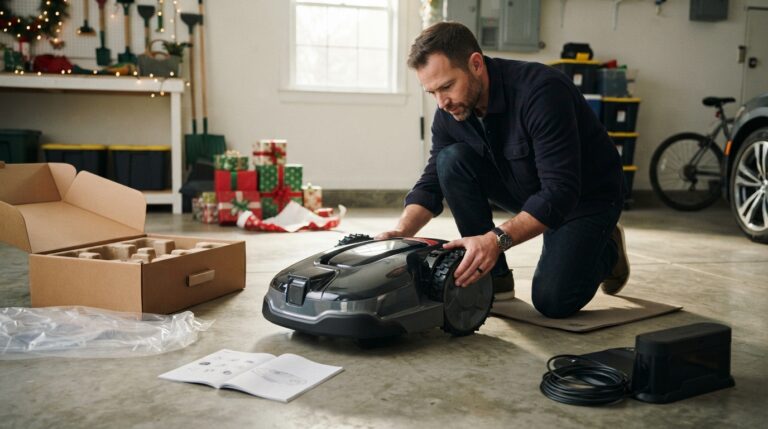
- Check the contents against the list in the manual: mower, charging station, power supply, blades and screws, and for RTK models the antenna and its cable or mount.
- Charge it fully. Segway’s manual says to charge a new Navimow fully before first use.
- Pair it with the app and create your account. Segway’s order is: power on, pair over Bluetooth, then connect Wi-Fi or cellular.
- Update the firmware. Segway says updates need the mower on its dock, a strong network and a battery above 20%, and take about 10 to 15 minutes. Worx’s Landroid Vision manual also says to update at first use.
- Test the connection where the dock will go. If the mower relies on Wi-Fi, carry it to the planned dock spot and check the signal. Reviewers have reported patchy connections on popular models, including PCWorld with the Mammotion LUBA 3 AWD and TechRadar with the YUKA mini, and a weak spot is better found in December than in April. Does a robot mower need Wi-Fi? explains the options.
- Set up security. Set the PIN or anti-theft lock. Husqvarna’s FAQ covers pairing and PIN setup for Automowers.
Two things you can’t really test indoors are the RTK antenna and the mower’s navigation. Mammotion says its RTK station needs open sky, clear of roofs and trees. If the weather allows, you can place the antenna in its planned spot and check the app shows a signal, without mapping or mowing.
Step 3: Don’t map or mow a winter lawn
Segway says mapping needs grass no taller than 3.6 inches, a clear lawn and at least 25% battery, and its manual says not to mow in snow. On a frozen, soggy or dormant lawn, mapping gives poor results and mowing can damage grass. Husqvarna’s wired installation guide also asks you to call 811 before laying wire and to cut the grass the day before, both spring jobs.
There’s also the return problem. Once a mower has driven over a muddy winter lawn, most sellers will no longer treat it as unused. If you might return it, stop at the indoor checks.
The exception is the warm South, where lawns keep growing through winter. If you’re in south Florida or the Arizona low desert and the lawn is green, you can map and mow, as long as you’re sure you’re keeping it. Robot mowers and Christmas decorations covers mowing around holiday displays. And if you were hoping for a robot that clears the driveway too, see is there a robot mower that also clears snow?
Step 4: Understand the warranty
| Brand | Mower | Battery | Registration |
|---|---|---|---|
| Segway Navimow | 3 years (4 on H1500 and H3000) | 2 years (3 on H1500 and H3000) | None stated |
| Mammotion | Varies by model; 3 years on battery and core parts for LUBA 3, LUBA mini and YUKA mini lines | See mower column | None stated |
| Husqvarna | The 410 iQ page states a 4-year warranty | Check your model’s terms | Not a condition of warranty service |
| Worx Landroid Vision | 3 years (manual) | 1 year on battery packs (manual) | Worx’s general tool warranty requires registration within 30 days for the full term |
| Ecovacs | 12 months | Covered for defects only | None required |
From each brand’s published warranty policy or manual. Terms vary by model; check yours.
Segway says the X4’s warranty starts from the purchase date or the activation date, whichever is later. Keep the gift receipt or the order number, because a warranty claim usually needs proof of purchase. Robot mower warranties explained covers what’s included and what isn’t.
Step 5: Store it properly until spring
| Brand | Charge level | Where and how long |
|---|---|---|
| Segway Navimow | At least 85% | 41 to 113°F; use hibernation mode, or recharge about every 3 months without it |
| Mammotion | At least 80% | Indoors, not a freezing shed; recharge to 80% at least every 90 days |
| Husqvarna | Fully charged | Switched off, indoors above 32°F; most models need no recharging |
| Worx | Its own guides differ: full charge or 70 to 80% | Above freezing; recharge periodically |
A heated garage, basement or utility room is ideal. Robot mower winter storage has the full routine, and when to take your robot mower out of storage covers the spring start.
Useful things to add before spring
If you’re keeping it, a couple of add-ons are worth ordering now, while you wait. Check they’re made for your exact model.
Gifts for robot mower owners goes through the useful accessories brand by brand.
Questions
What should I do with a robot mower I got for Christmas?
Unbox it and check the contents, charge it, pair it with the app, update the firmware and confirm it connects over Wi-Fi or cellular, all before the return window closes. Then store it properly until spring. Most people can’t map a lawn until the grass is growing again.
How long do I have to return a robot mower bought for Christmas?
It depends where it was bought. For the 2025 holidays, Amazon extended returns on items bought November 1 to December 31 until January 31, Walmart did the same for most items bought from October 1, and Best Buy’s holiday window ran to January 15. Buying direct from Navimow, Mammotion, Husqvarna, Ecovacs or Worx usually gives 30 days. Check this year’s dates, because retailers announce them each fall.
Can I return a robot mower after using it?
Often not, or not without a fee. Mammotion requires a like-new, unused mower, Ecovacs refuses worn or used items, Navimow charges a 10% restocking fee on used or non-defective returns, and Husqvarna charges 15% on lawn mowers, except its Automower iQ Series, which has a 100-day money-back guarantee.
Can I set up a robot mower in winter?
You can do everything except map and mow. Segway says mapping needs grass no taller than 3.6 inches and a clear lawn, and its manual says not to mow in snow. On a frozen or dormant lawn, wait until spring for mapping and the first mow.
How should I store a new robot mower until spring?
Charge it and keep it indoors above freezing. Segway recommends charging to at least 85% and storing at 41 to 113°F, Mammotion says to charge to at least 80% and recharge every 90 days, and Husqvarna says to fully charge it, switch it off and store it indoors above 32°F.
Do I need to register a robot mower for the warranty?
Usually not. Husqvarna says registration is not a condition of warranty service, and Segway and Mammotion state no registration requirement. Worx’s general tool warranty extends to three years if you register within 30 days. Keep the gift receipt or order number either way.
The short version
Find your return deadline first. Then, in the first week, check the contents, charge it, pair it, update the firmware and test the connection where the dock will go, all without mowing. Keep the box. If you’re keeping it, store it charged and indoors until spring, and map the lawn once the grass is growing again. If something’s wrong, you’ll know while you can still send it back.
Ready for spring?
Setup is easiest with a plan.