How MowReview makes money: As an Amazon Associate, MowReview earns from qualifying purchases, at no extra cost to you. We don’t test mowers ourselves; we explain what manufacturers and independent testers report. How we research
Quick answer
For an older parent, the right robot mower is the one they’ll never need to rescue from the lawn. That points away from the newest app-heavy, wire-free models and toward three things: professional installation, controls they can use without a smartphone, and a local dealer who will service it. Pick a mower rated well above the size of the lawn. Clear the yard of anything that will trap it. Set it up yourself, or pay a dealer to, before handing it over. Plan who fits the blades every few weeks, because it won’t be the parent. Done this way, it removes one of the more strenuous and hottest chores of an older homeowner’s summer.
Adult children buy many robot mowers for their parents. The reasoning is sound. Mowing is hot, physical work, and the CDC notes that older adults don’t adjust as well as younger people to sudden changes in temperature, are more likely to have conditions that change how their body handles heat, and often take medications that affect temperature control or sweating. Its advice for older adults in hot weather is to avoid strenuous activity. Pushing a mower in July is exactly that.
The usual advice for buying a robot mower assumes the owner is a keen, tech-comfortable person who enjoys tinkering. An older parent may be neither, and choosing for them is a different decision. This guide covers that decision.
The question to ask first: who sorts it out when it stops?
Every robot mower gets stuck sometimes, needs its blades changed, and occasionally throws an error. For a tech-comfortable owner, that’s five minutes with the app. For a parent who doesn’t use apps, lives alone, or is unsteady on uneven grass, it may mean walking out to a mower stuck on a slope, or a machine sitting idle for three weeks until you next visit.
So before choosing a model, settle who handles four things:
| Job | How often | Realistic owner |
|---|---|---|
| Rescuing it when it’s stuck | Weekly at first, rarely once settled | A neighbor, or you remotely via the app |
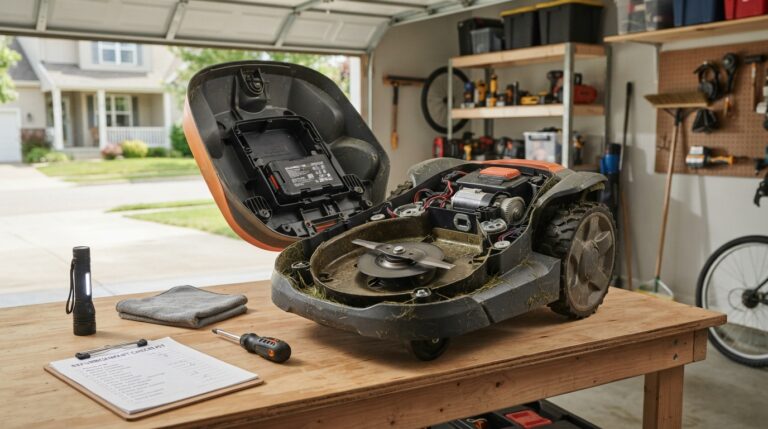
| Changing blades and screws | Every 3 to 6 weeks, by Husqvarna’s figures | You on visits, or a dealer service plan |
| Cleaning the underside | Weekly-ish | You, or skipped with a slight hit to the cut |
| Winter storage and spring restart | Once each | You, or the dealer |
If the honest answer to most of these is “nobody nearby”, a lawn service may suit better than a robot. That guide weighs the two.
What matters most for an older owner
1. Professional installation
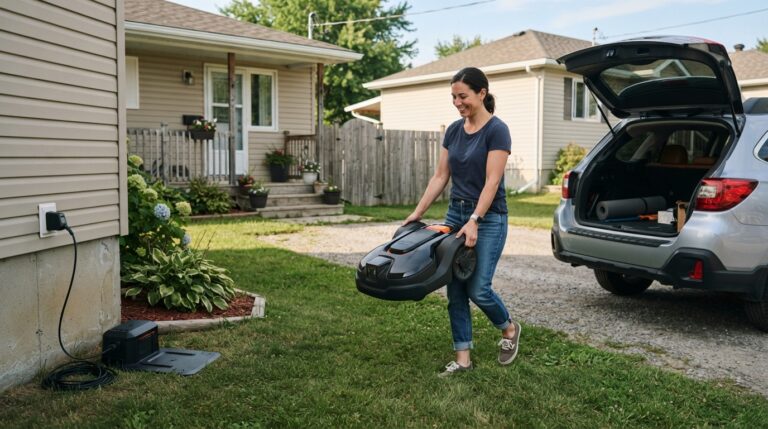
Setup is the hardest part of owning a robot mower: siting the dock, mapping the lawn, laying or pegging wire, and tuning the boundary over the first two weeks. Don’t hand that to your parent. Either do it yourself over a weekend visit, or buy from a dealer who installs. Dealer brands such as Husqvarna are set up for this. Husqvarna even offers a pickup-and-delivery allowance on robotic mowers within the first 90 days of its warranty.
2. Controls that don’t depend on a phone
Many modern wire-free mowers rely on the app for mapping and much of their control. Many wire-guided mowers also have buttons and a display for scheduling and stopping. For a parent who doesn’t use a smartphone comfortably, the most useful features are a big STOP button, a simple fixed schedule, and a mower that just runs. Our guide to whether a robot mower needs Wi-Fi explains which types keep working with no internet at all.
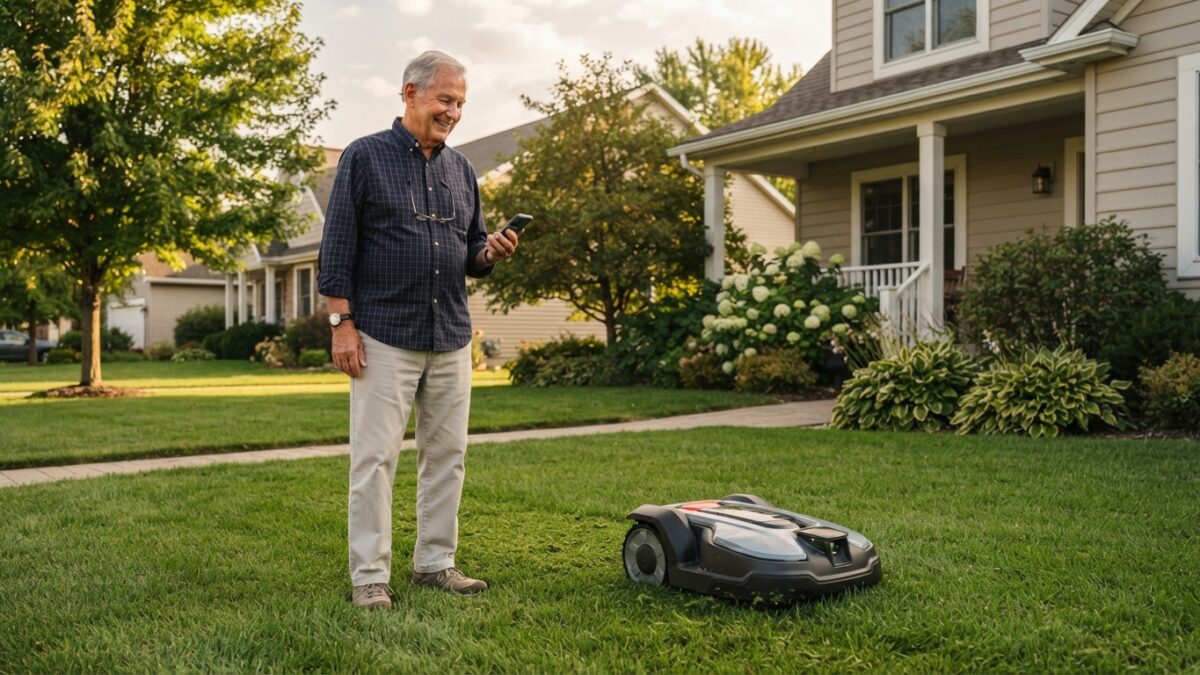
Being able to manage it remotely helps too. If the mower is on your parent’s Wi-Fi, you can check alerts and send it home from your own phone. Many families find that the best arrangement.
3. A lawn that won’t trap it
The mower you choose matters less than the yard you put it in. Most “it keeps getting stuck” problems are ground problems: dips, roots, raised edges, tight gaps. Spend a visit on preparing the lawn before the mower arrives, and set generous keep-out zones around drop-offs, ponds and steep banks. A mower that never gets stuck never needs your parent to walk out to it.
4. Sized with room to spare
Choose a mower rated comfortably above the real lawn area. It finishes sooner, works its battery less hard, and has capacity to catch up after rain. What size do you need shows how to measure properly.
5. A local dealer
For many families this is the deciding factor. A dealer can install the mower, service it, change blades, handle warranty repairs and deal with winter storage, all without anyone shipping a heavy machine or waiting on a chat line. Brands compared shows who has dealers and where.
Safety around the yard
Robot mowers have recessed blades that stop when the machine is lifted or tilted. They still need clear rules. Tell your parent never to pick the mower up or reach under it while it’s running, to press STOP before touching it, and to schedule it for times they’re not gardening. If they have a dog, our guide to robot mowers and dogs applies. For the wider picture, see are robot mowers safe?
Two good fits
Both are wire-guided mowers from long-established makers, which surprises some buyers. For an older owner, those are strengths: wired systems are predictable once installed, don’t depend on internet or satellite signal to mow, and both brands have dealer networks. The drawbacks listed are real ones, and MowReview hasn’t tested either mower.
Best when a dealer will install and service it
Husqvarna Automower
- SupportEstablished U.S. dealer network
- Stated sound levelAround 60 dB, conversation level
- Stated battery lifeTypically 2 to 5 years
The strongest argument for a Husqvarna here has little to do with mowing. A local dealer can install it, change the blades, handle a warranty problem and store it for winter, so nobody has to ship a heavy mower or talk your parent through an app on the phone. Husqvarna also publishes detailed guidance on storage, spring restart and battery care, which makes it easy for whoever is responsible to do those jobs properly.
Good for
- Families who want a dealer to handle installation and servicing
- Parents who want the mower to simply run on a fixed schedule
Less good for
- Tight side passages: Husqvarna recommends at least 6 ft 6 in between boundary wires without a guide wire
- Areas without a nearby dealer, where its main advantage disappears
- Anyone expecting its headline 3-year warranty to apply: Husqvarna says Automower has separate coverage, so check the model’s own terms
Consumer Reports’ pick for small yards
Gardena Sileno Minimo
- Consumer Reports recommends it forLawns up to 2,613 sq ft
- NavigationBoundary wire
Many older homeowners have downsized to a smaller lot, and that’s where this fits. Consumer Reports named it its top robotic mower for small yards. As a wired mower it doesn’t need satellite signal or the internet to do its job. Gardena is part of the Husqvarna group, and its smart system can coordinate mowing with watering, which helps on an irrigated lawn.
Good for
- Small, enclosed lawns after downsizing
- Parents who prefer a mower that doesn’t depend on phone signal or the internet to mow
Less good for
- Setup by the parent: the boundary wire has to be laid around the lawn, so plan to do it yourself or have it installed
- Lawns above about 2,600 square feet, which is the size Consumer Reports recommends it for, well below Gardena’s own claimed coverage
For more options, the easiest robot mowers to live with and robot mowers for small yards cover the wider field.
A handover checklist
- Prepare the lawn before the mower arrives: level the dips, clear roots and hazards, widen the gaps.
- Install and map it yourself, or have the dealer do it. Run it while you’re there for at least a few days and fix every spot where it gets stuck.
- Set one simple schedule in daylight hours when your parent isn’t usually in the garden. Mid-morning to mid-afternoon suits most households and is best for the cut.
- Change the PIN to one they’ll remember, and write it down somewhere safe. They’ll need it to restart the mower after pressing STOP.
- Show them one thing only: how to press STOP and how to send it home. Put a card with both steps by the back door.
- Connect it to their Wi-Fi and your phone so you get alerts and can manage it remotely.
- Put blade changes in your calendar every four weeks during the season, or arrange a dealer service plan.
- Register the mower and keep the receipt and serial number photo. Warranties explained covers why.
- Agree who does winter storage, and put that date in your calendar too.
Questions
Is a robot mower a good idea for an elderly person?
Often, yes. It removes a strenuous, hot outdoor job, and the CDC advises older adults to avoid strenuous activity in hot weather because they adjust less well to temperature changes. It works best when someone else handles setup, blade changes and winter storage, and when the lawn is prepared so the mower rarely gets stuck.
Can an older person use a robot mower without a smartphone?
With the right model, yes. Many wire-guided mowers have buttons and a display for scheduling and a large STOP button, and they don’t need the internet to mow. Many wire-free models rely on a phone app for mapping and control, so check before buying.
Wire-free or boundary wire for an elderly parent?
A professionally installed boundary-wire mower is often the more predictable choice. Once the wire is down, the mower doesn’t depend on satellite signal or internet to mow, and dealer brands are set up to install and service it. Wire-free is simpler to install but usually leans more heavily on an app.
Who should maintain a robot mower bought for a parent?
Plan for it to be you or a dealer, not your parent. Blades need replacing every 3 to 6 weeks by Husqvarna’s figures, the underside needs regular cleaning, and the mower needs putting away in winter and restarting in spring. A dealer service plan is often the simplest arrangement.
Can I control my parent’s robot mower from my phone?
If the mower is on their Wi-Fi or has cellular connectivity, usually yes. You can receive stuck and error alerts, pause it and send it home remotely. Many families find this the most useful arrangement, since the parent never needs the app.
Is a robot mower better than hiring a lawn service for a parent?
It depends on who will look after it. If a family member or dealer can handle setup, blades and storage, a robot mower gives a better-kept lawn and full control over timing. If nobody is nearby, a lawn service is often less hassle overall.
The short version
Buy for the owner, not for the features. That means professional or family installation, simple controls with a big STOP button, a mower sized with room to spare, a lawn prepared so it rarely gets stuck, and a dealer or family member who owns the blades, cleaning and winter storage. Connect it to your own phone so you can manage it from anywhere. Set up this way, a robot mower takes a hard summer chore off your parent’s list.
Finding the right fit for their yard
Lawn size and slope still decide which mowers are suitable, whoever the owner is.